
What Is Web Design? A Beginner’s Guide to Creating Better Websites
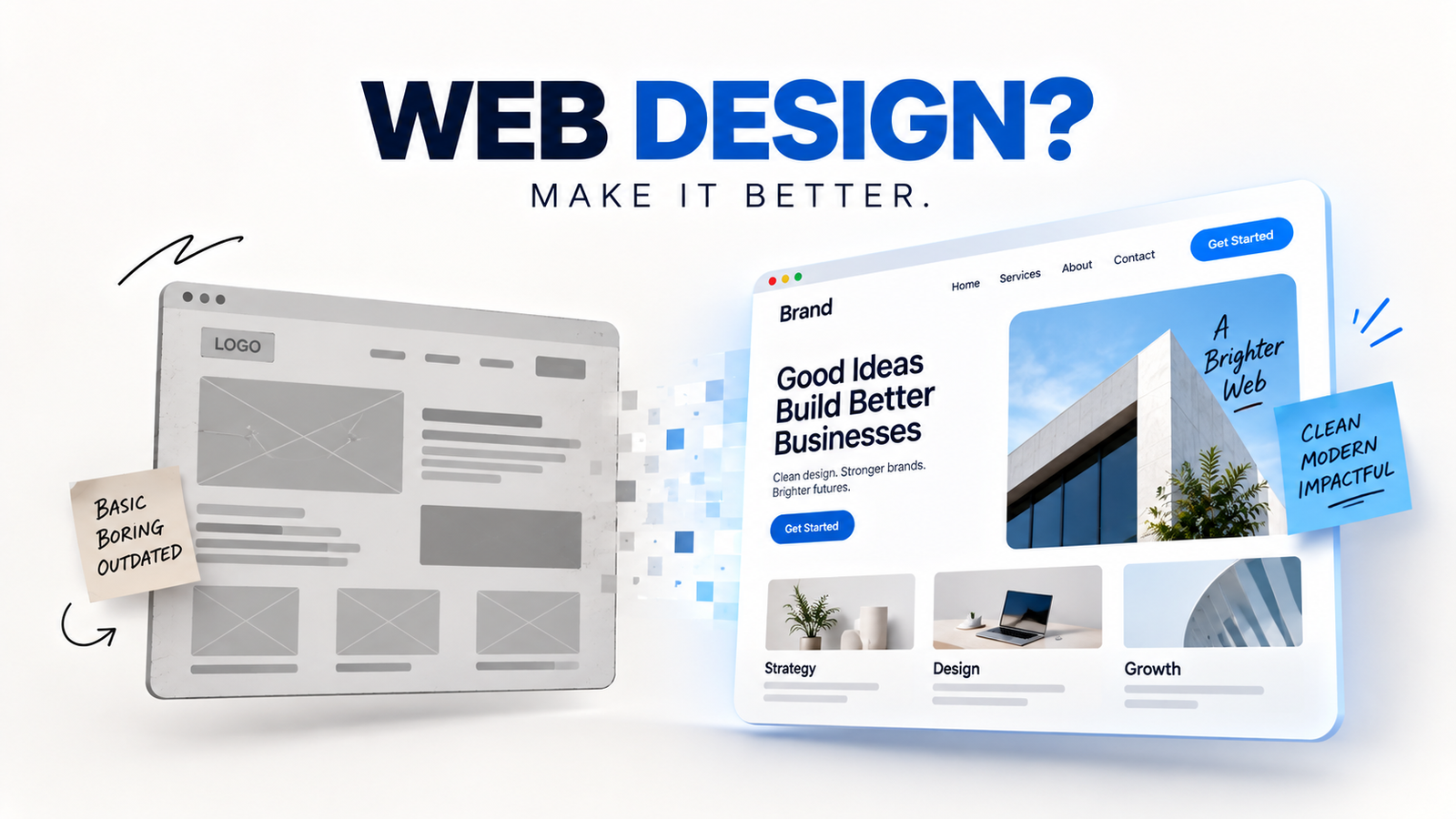
A website is often the first place where people learn about a business, service, or brand. Web design plays an important role in creating a strong first impression. A clean and professional website can help visitors find information easily and feel confident about a brand. On the other hand, a confusing website can make visitors leave quickly.
This is where web design becomes important.
Web design is the process of planning and creating the visual appearance and user experience of a website. It includes the layout, colors, fonts, images, buttons, navigation, and overall structure. Good design makes a website attractive, easy to use, and helpful for visitors.
If you are new to website design, this guide will help you understand the basics and learn what makes a website better.
What Is Web Design?
Web design focuses on how a website looks and how visitors interact with it.
A designer decides where different elements should appear on a page. They also choose colors, fonts, images, and other visual elements. The goal is to create a website that looks professional and feels easy to use.
For example, an online store needs clear product images, simple navigation, useful product information, and easy-to-find buttons. A business website may need service pages, contact information, testimonials, and a strong call to action.
Therefore, good design should always match the purpose of the website.
Why Is Web Design Important?
A website can work without a great design. However, it may not perform well.
Visitors usually form an opinion about a website within a short time. A clean layout can help build trust. It can also make visitors more comfortable while exploring the site.
Good design can help you:
-
Create a strong first impression
-
Build trust with visitors
-
Make information easier to find
-
Improve the user experience
-
Increase engagement
-
Support better conversions
-
Make your brand look professional
For businesses, these benefits can have a direct impact on sales and customer growth.
The Main Elements of Web Design
Several elements work together to create a successful website. Each one has an important role.
1. Layout
The layout is the structure of a webpage. It decides where the content, images, menus, and buttons appear.
A good layout creates a clear visual order. Visitors should understand the page without much effort.
For example, a homepage can start with a headline and a short introduction. It can then show products or services, benefits, testimonials, and a contact section.
A simple structure often works better than a crowded page.
2. Colors
Colors can influence how people feel about a website.
A professional website usually uses a small and consistent color palette. The main brand color can be used for important elements. A second color can support the design.
Good contrast is also important. Text should be easy to read against the background.
Avoid using too many bright colors. They can make a website look confusing and less professional.
3. Typography
Typography refers to the style and arrangement of text.
A website should use fonts that are easy to read. Headings should be clear and different from normal text.
Font size, spacing, and line height also matter. Visitors should be able to read the content comfortably on both desktop and mobile devices.
Simple typography usually creates a clean and modern appearance.
4. Images and Visual Content
Images can make a webpage more attractive. They can also explain information faster than long paragraphs.
However, images should support the content. Avoid using random or low-quality images.
Large image files can also slow down a website. Therefore, images should be properly optimized before uploading them.
Use relevant images that match your brand and message.
5. Navigation
Navigation helps visitors move around a website.
A good menu should be simple and easy to understand. Important pages should be easy to find.
For example, a business website may include pages such as Home, About, Services, Blog, and Contact.
If visitors cannot find what they need, they may leave the website. So, simple navigation is an important part of a good user experience.
What Is Responsive Web Design?
People access websites from many different devices. They use smartphones, tablets, laptops, and desktop computers.
Responsive design helps a website adjust to different screen sizes.
A responsive website should look good and remain easy to use on small screens. Text should be readable. Buttons should be easy to tap. Images should fit the screen properly.
Mobile-friendly design is especially important because many people now browse the internet using smartphones.
Web Design and User Experience
Design is not only about making a website look beautiful. It is also about making the website easy to use.
This is where user experience, or UX, becomes important.
A good user experience helps visitors complete their goals without confusion. For example, a customer should be able to find a product, read its details, and complete a purchase without unnecessary steps.
Clear buttons, simple menus, readable content, and logical page structures can all improve the experience.
Always think about the visitor when designing a page.
Web Design vs. Web Development
Web design and web development are related, but they are not the same.
A web designer mainly focuses on the visual and user experience aspects of a website. They work with layouts, colors, typography, images, and page structure.
A web developer focuses more on the technical side. Developers use programming languages and technologies to build website functions.
In simple terms, designers focus on how a website looks and feels. Developers focus on how it works.
Both roles are important for creating a successful website.
Common Web Design Mistakes to Avoid
Beginners often make a few common mistakes. Avoiding these problems can make a big difference.
Using Too Much Content
Too much information can overwhelm visitors. Keep your message clear and organized.
Choosing Hard-to-Read Fonts
Creative fonts may look interesting, but they are not always easy to read. Choose readability over decoration.
Ignoring Mobile Users
A website that only looks good on desktop can lose many visitors. Always test your pages on different screen sizes.
Using Too Many Colors
Too many colors can make a design look unprofessional. Keep the color palette simple.
Making Navigation Complicated
Visitors should not have to search for basic information. Keep the menu clear and logical.
Using Slow Images
Large images can increase loading time. Optimize images before adding them to your website.
How to Start Learning Web Design
You do not need to master everything at once. Start with the basics and practice regularly.
First, learn basic design principles. Understand layout, color, typography, spacing, and visual hierarchy.
Next, explore popular design tools. Tools such as Figma and Canva can help beginners create website layouts and visual concepts.
You should also learn basic HTML and CSS. These skills can help you understand how webpages are structured and styled.
After learning the basics, create small practice projects. You can design a personal portfolio, business homepage, online store, or landing page.
Practice will help you improve faster.
Final Thoughts
Good web design combines creativity, structure, and usability. A successful website should not only look attractive. It should also help visitors find information and complete their goals easily.
Start with a simple layout. Use readable fonts. Choose consistent colors. Add useful images. Make navigation easy. Most importantly, design for the people who will use the website.
You do not need to create a complicated website to make a strong impression. A clean, responsive, and user-friendly design can often deliver better results.
If you are a beginner, focus on learning the fundamentals first. Then keep practicing and improving your designs. With time and experience, you can create websites that look professional and provide a better experience for every visitor.