Local SEO Checklist: Improve Google Maps and Near Me Visibility
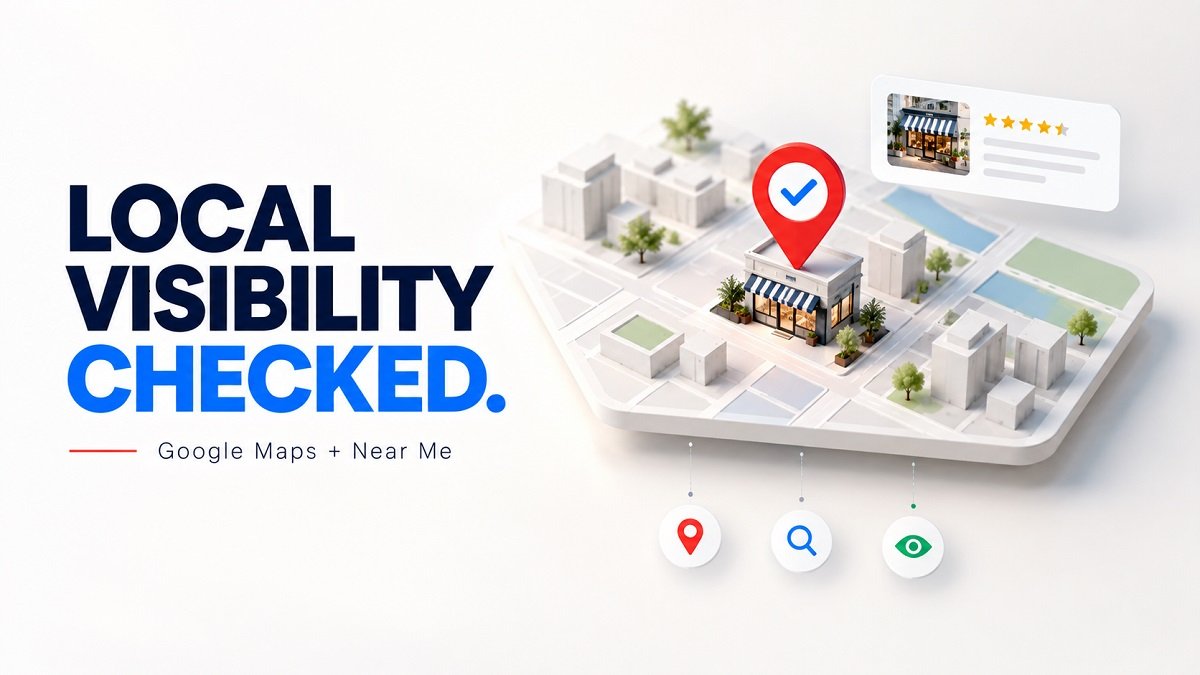
If you want more customers to find your business on Google Maps and in “near me” searches, you need a strong local SEO strategy. A complete local SEO checklist can help you improve your Google Business Profile, website, online reputation, and local relevance.
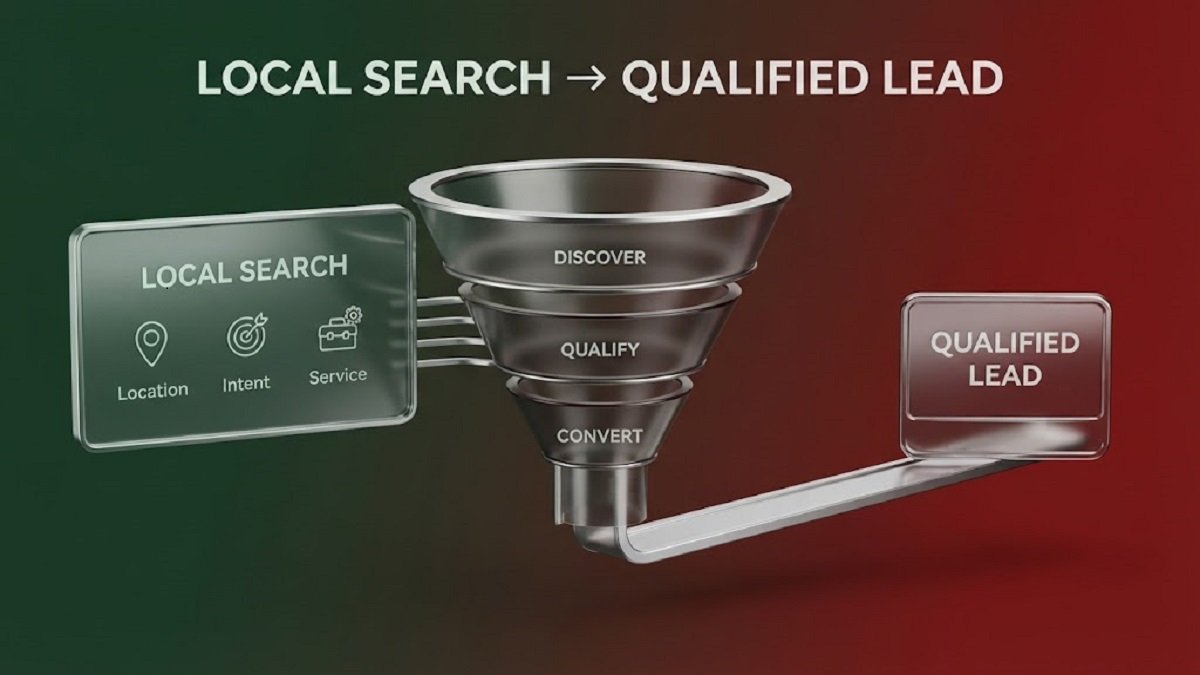
Local search is especially important for businesses that serve customers in a specific city, neighborhood, or service area. When someone searches for a product or service nearby, Google considers several signals to determine which local businesses are relevant.
Google states that local results are mainly influenced by relevance, distance, and prominence.
This guide walks you through the essential steps you can use to improve your Google Maps and near me visibility.
What Is Local SEO?
Local SEO is the process of improving your online presence so customers can find your business when they search for products or services in a specific geographic area.
For example, a customer might search for:
-
“coffee shop near me”
-
“dentist near me”
-
“best plumber in Austin”
-
“digital marketing agency in Chicago”
-
“auto repair near me”
Google can use your Business Profile, website, reviews, location information, and other online signals to determine which businesses are relevant to these searches.
A good local SEO strategy does not focus only on keywords. It also makes your business information accurate, consistent, useful, and easy for both customers and search engines to understand.
Local SEO Checklist for Better Google Maps Visibility
Use the following checklist to review your current local SEO strategy.
1. Claim and Verify Your Google Business Profile
Your Google Business Profile is one of the most important assets for local search visibility.
If your business is eligible, claim or create your profile and complete the verification process. Verified businesses can manage how their business information appears across Google Search and Maps.
Make sure your profile includes:
-
Correct business name
-
Accurate address
-
Local phone number
-
Website URL
-
Business hours
-
Business category
-
Services
-
Business description
-
Photos
-
Relevant attributes
Do not create multiple profiles for the same location simply to increase visibility. Keep your information accurate and follow Google's Business Profile guidelines.
2. Choose the Most Relevant Primary Category
Your business category helps Google understand what your business does.
Choose the category that most accurately represents your main business. You can also add relevant secondary categories when they genuinely describe your services.
Avoid adding categories simply because they contain popular keywords. Google specifically advises businesses not to use categories solely as keywords.
For example, a bakery should choose an appropriate bakery-related category rather than selecting unrelated categories because they have higher search volume.
3. Complete Every Important Business Detail
A complete profile gives Google more information about your business.
Check that your:
-
Business name is correct
-
Address is accurate
-
Phone number works
-
Website is active
-
Hours are current
-
Holiday hours are updated
-
Services are listed
-
Description accurately explains your business
Google says businesses with complete and accurate information are more likely to appear in relevant local searches.
This step is simple, but it is an important part of any local SEO checklist.
4. Keep Your Name, Address, and Phone Information Consistent
Your business information should be consistent across your website and important online directories.
Check your:
-
Business website
-
Google Business Profile
-
Local directories
-
Industry directories
-
Social media profiles
-
Business listings
Look for differences in business names, phone numbers, addresses, and website URLs.
Consistency helps create a clearer picture of your business across the web. Google also gathers business information from multiple sources, including websites, third parties, users, and business owners.
If you move to a new location or change your phone number, update your important listings as soon as possible.
5. Optimize Your Website for Local Search
Your website should support your Google Business Profile.
Create a clear contact page with your:
-
Business name
-
Address
-
Phone number
-
Hours
-
Service areas
-
Email address
-
Directions or location information
If you serve multiple locations, consider creating useful location pages for those areas.
For example, a plumbing company serving Dallas and Fort Worth could create separate pages explaining the services available in each area.
However, avoid creating low-quality pages that simply replace one city name with another. Each location page should provide genuinely useful and locally relevant information.
6. Create a Strong Local Keyword Strategy
Keyword research is still useful for local SEO, but avoid keyword stuffing.
Instead of repeatedly using phrases such as “best dentist near me,” create natural content around the services and locations your business actually serves.
For example:
Primary keyword:
Local SEO checklist
Related keywords:
-
Google Maps SEO
-
near me search optimization
-
local search visibility
-
Google Business Profile optimization
-
local SEO strategy
-
local search rankings
-
Google Maps ranking
-
local business SEO
Use these phrases naturally in headings, paragraphs, page titles, URLs, image descriptions, and other relevant areas.
Remember that customers usually search for solutions, not just exact-match keywords.
7. Optimize Your Google Business Profile Description
Your business description should explain what you offer and where you serve customers.
Write naturally and focus on useful information.
A good description can mention:
-
Main services
-
Products
-
Service areas
-
Business specialties
-
What makes the business different
Avoid stuffing the description with repeated keywords or promotional claims that do not accurately describe your business.
The goal is to help customers quickly understand what your business provides.
8. Add High-Quality Photos and Videos
Visual content can make your Business Profile more useful and recognizable.
Consider adding:
-
Storefront photos
-
Interior photos
-
Product photos
-
Service photos
-
Team photos
-
Before-and-after photos when appropriate
-
Short videos
For example, a restaurant could show its exterior, dining area, popular dishes, and menu items.
A service business could show completed projects, equipment, and team members.
Google recommends adding photos and videos to help customers learn more about a business.
Use real images that accurately represent your business instead of misleading stock photos.
9. Build a Genuine Review Strategy
Customer reviews are an important part of local search and customer decision-making.
Ask real customers to share honest feedback after they use your products or services.
You can make the process easier by providing a direct review link or QR code. Google recommends asking customers for reviews and responding to reviews professionally.
Your review process should never involve:
-
Buying reviews
-
Creating fake reviews
-
Offering rewards for positive reviews
-
Asking customers to remove negative reviews
-
Posting reviews on behalf of customers
Google prohibits incentives and other practices that create fake or misleading reviews.
10. Respond to Your Google Reviews
Getting reviews is only part of reputation management.
Respond to both positive and negative reviews in a professional manner.
For positive reviews, thank the customer and acknowledge their experience.
For negative reviews, remain calm and helpful. If the issue requires private discussion, invite the customer to contact your business directly.
Your responses are public, so avoid arguments or defensive language.
Google recommends keeping review replies professional, relevant, and concise.
11. Improve Your Local Website Content
Create content that answers questions your local customers actually have.
For example, a local HVAC company might publish:
-
How often should you service an HVAC system?
-
How much does AC repair cost in your area?
-
When should you replace an old air conditioner?
-
What should you check before calling an HVAC technician?
This type of content can attract people earlier in the buying process.
You can also create local guides, service pages, FAQs, and educational articles that demonstrate your knowledge.
12. Add Location-Specific Service Pages
If your business genuinely serves multiple areas, create useful pages for those locations.
A location page could include:
-
Services available
-
Local service information
-
Customer FAQs
-
Service process
-
Relevant photos
-
Business contact information
-
Directions when appropriate
For example:
/plumbing-services-austin/
/plumbing-services-round-rock/
Each page should contain unique and helpful information rather than duplicated content.
13. Earn Relevant Local Links
Links from reputable websites can help strengthen your online presence.
Look for legitimate opportunities such as:
-
Local chambers of commerce
-
Community organizations
-
Industry associations
-
Local news websites
-
Professional organizations
-
Relevant local publications
-
Community sponsorships
Google says prominence can be influenced by information such as links to a business website and reviews.
Focus on relevance and quality rather than collecting a large number of low-quality links.
14. Optimize for “Near Me” Searches Naturally
You do not need to repeat “near me” throughout your website.
Google can understand geographic relevance using multiple signals, including business information and location context.
Instead, clearly communicate:
-
Where you are located
-
Which areas you serve
-
What services you provide
-
How customers can contact you
-
When you are open
For example, instead of writing:
“Best plumber near me, plumber near me, plumbing service near me…”
write naturally:
“We provide residential plumbing services throughout Austin and nearby communities.”
This gives users useful information without keyword stuffing.
15. Check Your Service Area
Service-area businesses should clearly identify the areas they actually serve.
If you travel to customers, use the appropriate service-area settings in your Business Profile.
Google allows eligible service businesses to specify the areas they serve using cities, ZIP codes, or other geographic areas.
Only list locations where you genuinely provide services.
16. Add Relevant Services and Products
Add the services your customers are most likely to search for.
For example, a dental office might list:
-
Teeth cleaning
-
Dental exams
-
Cosmetic dentistry
-
Emergency dental care
A retail business may also be able to showcase eligible in-store products through its Business Profile. Google notes that this feature is available only for eligible retail businesses in supported regions.
Keep your service and product information accurate and current.
17. Make Your Website Mobile-Friendly
Many local searches happen when people are away from their homes or ready to visit a business.
Your website should work well on smartphones.
Check:
-
Text size
-
Navigation
-
Page loading
-
Contact buttons
-
Maps
-
Forms
-
Click-to-call functionality
-
Mobile layout
A customer searching for “restaurant near me” should be able to quickly find your address, hours, menu, and contact information.
18. Add Local Business Schema Markup
Structured data can help search engines understand important information about your business.
Depending on your business, you may consider relevant LocalBusiness structured data.
Important information may include:
-
Business name
-
Address
-
Phone number
-
Website
-
Opening hours
-
Geographic information
-
Business type
Only include information that accurately represents your business.
Structured data should support your visible website content rather than contain misleading information.
19. Monitor Your Google Business Profile Performance
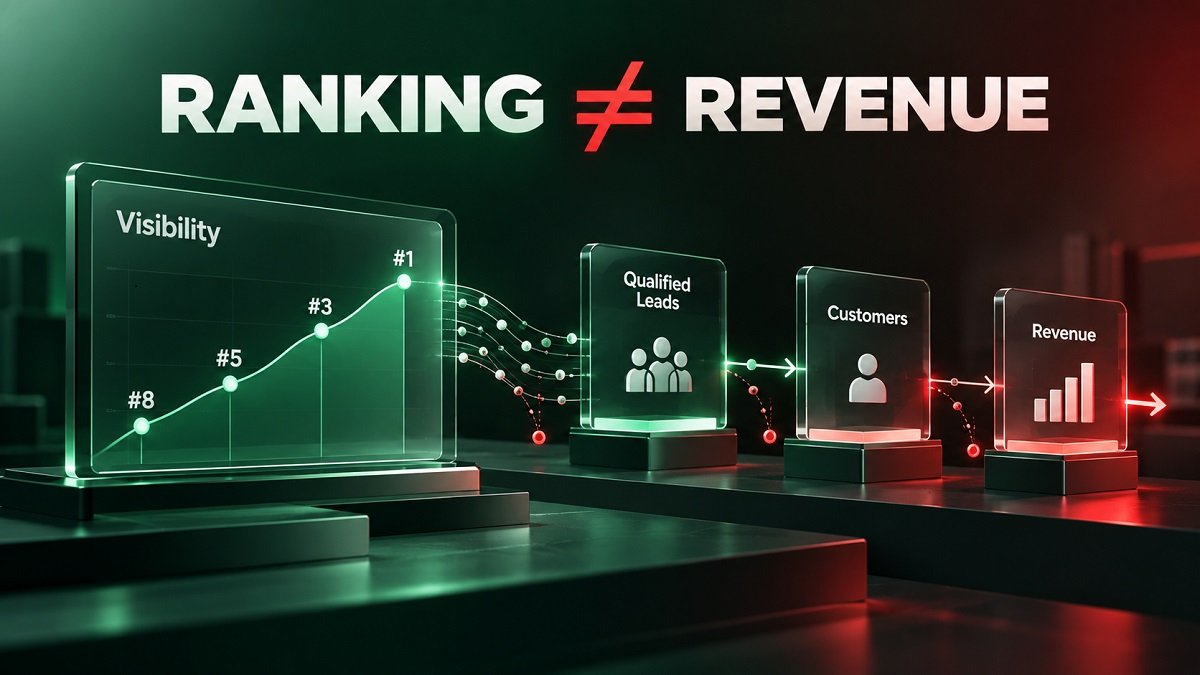
Do not rely only on your ranking position.
Use Google Business Profile performance data to understand how people discover and interact with your business.
Google provides metrics related to searches, views, and customer actions. You can use these insights to understand which search terms and interactions are bringing attention to your profile.
Track changes over time rather than judging performance from a single day.
Useful metrics include:
-
Profile views
-
Search queries
-
Website clicks
-
Calls
-
Direction requests
-
Customer interactions
20. Keep Your Local SEO Information Updated
Local SEO is not a one-time task.
Business information changes over time. Your hours may change, your services may expand, or your business may move.
Review your local SEO information regularly.
Check:
-
Google Business Profile
-
Website
-
Business directories
-
Social profiles
-
Local citations
-
Service areas
-
Reviews
-
Photos
-
Business hours
Google notes that updates to business information can take some time to appear in search results.
Quick Local SEO Checklist
Use this list as a quick monthly review:
☐ Claim and verify your Google Business Profile
☐ Choose the correct primary category
☐ Add relevant secondary categories
☐ Complete your business information
☐ Check your business name, address, and phone number
☐ Update business hours and holiday hours
☐ Add accurate services
☐ Add relevant products when eligible
☐ Upload authentic photos and videos
☐ Ask genuine customers for reviews
☐ Respond to reviews professionally
☐ Optimize your website for local search
☐ Create useful location pages
☐ Build relevant local links
☐ Review your service areas
☐ Improve mobile usability
☐ Add appropriate structured data
☐ Monitor Google Business Profile performance
☐ Update outdated information
☐ Review your local SEO strategy regularly
A strong local SEO checklist can help you build a more complete and trustworthy local search presence.
Start with the basics: claim and verify your Google Business Profile, keep your business information accurate, choose relevant categories, improve your website, collect genuine customer reviews, and clearly communicate the areas you serve.
Most importantly, remember that Google does not use one single factor to determine local rankings. Google says local results are mainly based on relevance, distance, and prominence.
You cannot control every factor, especially distance. However, you can control the accuracy and quality of the information you provide about your business.
By consistently improving your website, Business Profile, reviews, local content, and online presence, you can make it easier for potential customers to discover and understand your business when they search on Google Maps and Search.