Best AI Tools for Students & Freelancers in Bangladesh
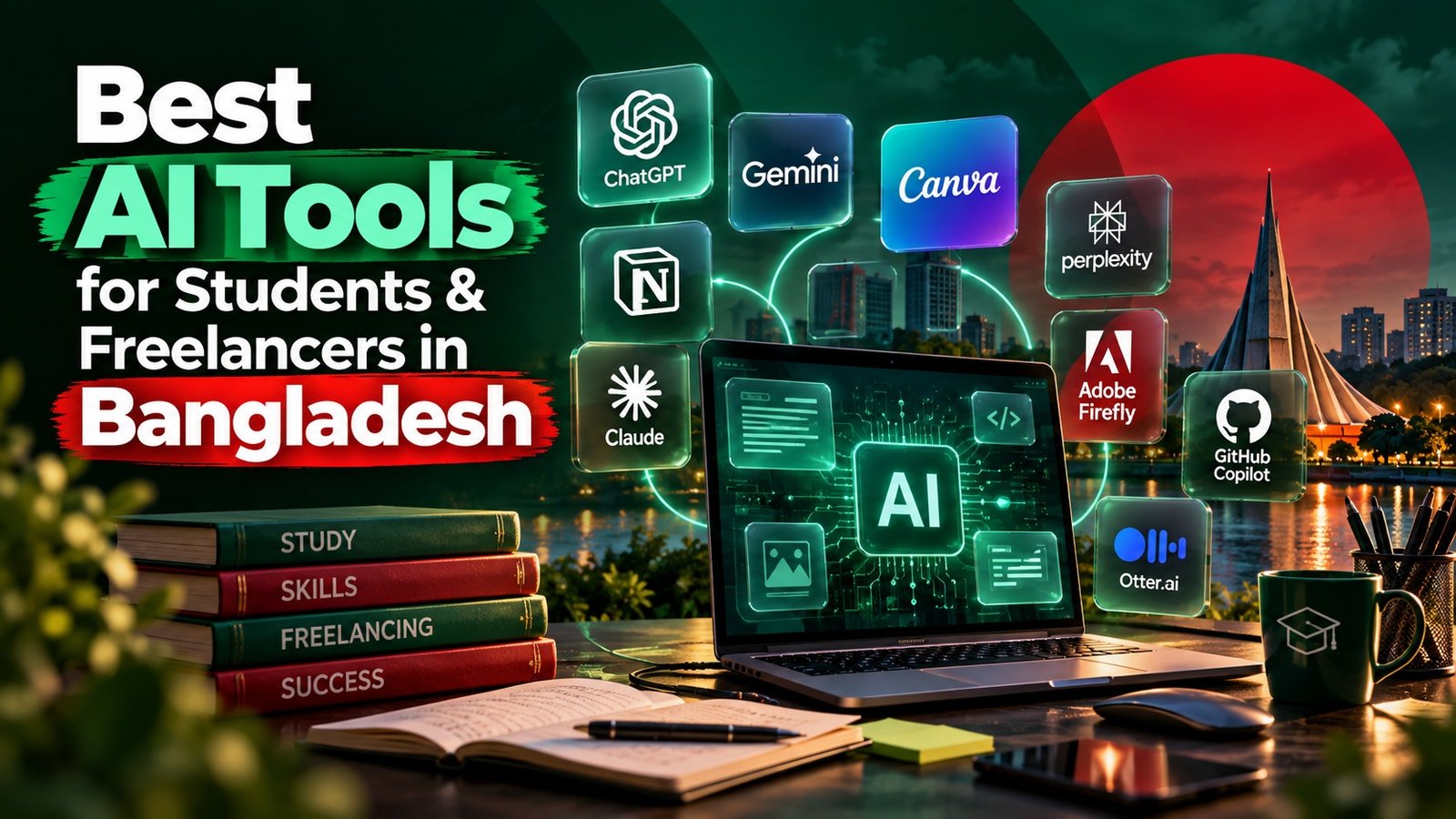
Artificial intelligence is changing how students learn and how freelancers work. From research and writing to design, coding, productivity, and client work, the right AI tools can save time and help you produce better results.
For students and freelancers in Bangladesh, this is especially useful because many AI tools can be accessed online and used alongside existing skills. However, the goal should not be to let AI do everything. The best results come from combining AI tools with human knowledge, creativity, judgment, and professional skills.
In this guide, we’ll explore the best AI tools for students & freelancers in Bangladesh, what each tool is useful for, who should use it, and how you can use AI responsibly to improve your studies or freelance career.
Why AI Tools Matter for Students and Freelancers
Students can use AI to understand difficult topics, summarize study materials, create practice questions, organize research, and improve their writing.
Freelancers can use AI to brainstorm ideas, research topics, create drafts, analyze information, generate visuals, write code, automate repetitive tasks, and improve productivity.
For example, ChatGPT's Study Mode can guide students through concepts step by step, work with uploaded study materials, and create practice questions and flashcard-style reviews. OpenAI Help Center
At the same time, AI is becoming increasingly useful in professional workflows. The important question is no longer simply "Which AI tool is popular?"
Instead, ask:
"Which AI tool can help me solve my specific problem better and faster?"
15 Best AI Tools for Students & Freelancers in Bangladesh
There isn't one AI tool that is perfect for everyone. Different tools are designed for different jobs.
Here are 15 useful options to consider.
1. ChatGPT
Best for: General-purpose AI, learning, writing, research, brainstorming, and productivity
ChatGPT is one of the most versatile AI tools available to students and freelancers.
Students can use it to:
- Understand difficult concepts
- Create study plans
- Summarize notes
- Generate practice questions
- Brainstorm assignment ideas
- Practice interviews
- Review drafts
Freelancers can use it for:
- Content outlines
- Client communication
- Brainstorming
- Research assistance
- Marketing ideas
- SEO workflows
- Proposal drafts
- Data analysis
- Coding assistance
OpenAI specifically positions ChatGPT for students to study, create, research, build, and prepare for careers. OpenAI
Its Study Mode is particularly useful when the goal is learning rather than simply getting an answer. It can ask questions, explain concepts progressively, and check understanding. OpenAI Help Center
Best approach: Use ChatGPT as a tutor and productivity assistant, not as a replacement for your own thinking.
2. Google Gemini
Best for: Research, brainstorming, writing, and Google ecosystem users
Google Gemini is another strong general-purpose AI assistant.
Students can use it for:
- Brainstorming
- Explanations
- Research support
- Writing assistance
- Study planning
Freelancers can use it for:
- Content ideas
- Marketing research
- Business brainstorming
- Drafting
- Productivity
Google has also been expanding AI tools for education, including Gemini and NotebookLM, with features aimed at helping students learn and prepare for exams. blog.google
Best approach: Compare important answers with reliable sources rather than automatically accepting AI-generated information.
3. NotebookLM
Best for: Studying your own documents and research
NotebookLM is particularly useful for students who have large amounts of study material.
You can provide sources such as:
- PDFs
- Notes
- Documents
- Web sources
- Lecture materials
NotebookLM can then help summarize and explore those materials.
Google says NotebookLM can answer questions from uploaded sources with citations and create study materials such as flashcards, quizzes, mind maps, and Audio Overviews. Gemini Notebook
For students, this makes it particularly useful for:
Notes → Summary → Questions → Revision
Freelancers can also use it to understand long client documents, research materials, reports, and project information.
Best approach: Upload trustworthy source material and use the tool to understand it rather than blindly trusting unsupported information.
4. Perplexity
Best for: AI-assisted research and source discovery
Perplexity is designed around answering questions with web research and sources.
It can be useful when you need to:
- Research a topic
- Find sources
- Compare information
- Explore an unfamiliar subject
- Build a research starting point
For freelancers, this can help with:
- Market research
- Competitor research
- Content research
- Industry research
- Client preparation
However, always open and verify important sources yourself.
AI search can accelerate research, but it doesn't eliminate the need for fact-checking.
5. Canva AI
Best for: Graphic design and visual content
Canva is particularly useful for students, social media managers, marketers, and freelance designers who need to create visual content quickly.
Canva's AI features can assist with:
- Presentations
- Social media graphics
- Images
- Design concepts
- Content creation
- Visual editing
- Study materials
Canva's AI tools also include features designed to turn existing work into quizzes, flashcards, and interactive study materials. Canva
Its Magic Studio brings multiple AI-powered creative capabilities into Canva's design environment. Canva
Best approach: Use AI to accelerate your creative process, but apply your own design principles, branding, and judgment.
6. Grammarly
Best for: Writing, grammar, editing, and professional communication
Good communication is essential for freelancers.
Grammarly can help improve:
- Grammar
- Clarity
- Tone
- Sentence structure
- Professional communication
- Drafts
- Emails
This can be especially useful for Bangladeshi freelancers communicating with international clients.
Grammarly also provides AI-related writing assistance and resources for students, while emphasizing responsible use of AI in academic work. Grammarly
Best approach: Let AI improve your writing without removing your personal voice.
7. Claude
Best for: Long-form writing, analysis, and document-based work
Claude can be useful for freelancers who regularly work with lengthy documents or complex writing tasks.
Potential uses include:
- Content planning
- Editing
- Document analysis
- Brainstorming
- Research organization
- Business writing
- Coding assistance
For a freelancer, tools like Claude can be particularly useful when a project involves a large amount of information that needs to be organized into a clear structure.
Best approach: Give the AI clear context, goals, constraints, and examples instead of using extremely vague prompts.
8. Microsoft Copilot
Best for: Productivity and Microsoft users
Students and freelancers who frequently work with Microsoft products may find Copilot useful for productivity-related workflows.
Possible applications include:
- Document assistance
- Writing
- Brainstorming
- Productivity
- Data-related work
- Presentations
Its usefulness depends heavily on the Microsoft applications and plan you have access to.
Best approach: Use AI to speed up repetitive tasks while checking the final output yourself.
9. GitHub Copilot
Best for: Developers and coding students
GitHub Copilot is designed for software development and can help developers write, understand, and modify code.
It can be useful for:
- Code suggestions
- Debugging
- Understanding code
- Refactoring
- Documentation
- Prototyping
Verified students can receive access to GitHub Copilot's student benefits through GitHub Education, subject to eligibility. GitHub Docs
For aspiring freelance developers, this can help speed up development—but it should not replace learning programming fundamentals.
Best approach: Understand the code AI generates before using it in a real project.
10. Adobe Firefly
Best for: AI-powered creative work
Adobe Firefly is useful for designers, marketers, and creative freelancers.
Adobe's current Firefly tools support AI-assisted image and video generation, image editing, vector graphics, and creative ideation. Adobe Help Center
Freelancers can use it for:
- Creative concepts
- Marketing visuals
- Image generation
- Video concepts
- Editing
- Mood boards
- Advertising assets
Best approach: Combine AI generation with professional design and editing skills.
11. CapCut AI Tools
Best for: Short-form video and social media content
Video content is important for platforms such as TikTok, Instagram, YouTube, and Facebook.
CapCut can be useful for freelancers working on:
- Reels
- Shorts
- TikTok videos
- Social media advertisements
- Captions
- Basic video editing
AI-assisted video workflows can help reduce repetitive editing work.
For aspiring freelance video editors, however, learning storytelling, pacing, audio, transitions, and visual composition remains essential.
12. Notion AI
Best for: Organization, notes, project management, and productivity
Freelancers often manage multiple projects at the same time.
Notion can help organize:
- Client information
- Project tasks
- Content calendars
- Research
- Notes
- Processes
- Project documentation
AI features can help with drafting, summarizing, organizing, and working with information inside a productivity workflow.
For students, it can also be used to organize study notes, assignments, projects, and schedules.
Best approach: Build a simple system first. Don't create a complicated productivity setup that takes more time to manage than your actual work.
13. QuillBot
Best for: Writing assistance and rewriting
QuillBot can be useful for students and freelancers who need help with writing and editing.
Possible uses include:
- Rephrasing
- Grammar improvement
- Summarization
- Writing refinement
- Improving sentence clarity
For students, it should be used as a learning and editing aid rather than a way to disguise copied material.
For freelancers, it can help refine drafts while preserving the intended meaning.
14. Otter.ai
Best for: Transcription and meeting notes
Freelancers often spend considerable time in client meetings.
Transcription tools can help turn conversations into searchable notes.
Possible uses include:
- Meeting transcripts
- Interview notes
- Research interviews
- Client discussions
- Action items
- Content research
Instead of manually writing every detail, freelancers can use AI transcription to create a first version of the meeting notes and then review it.
Always consider privacy and client permissions before recording or processing conversations.
15. Trello or Other AI-Assisted Productivity Tools
Best for: Managing projects and tasks
Freelancing involves more than completing creative or technical work.
You also need to manage:
- Deadlines
- Client tasks
- Revisions
- Deliverables
- Content schedules
- Project stages
AI-assisted productivity features can help summarize information, organize tasks, and reduce repetitive administrative work.
The exact tool matters less than having a reliable system for managing your freelance business.
Best AI Tools for Students vs Freelancers
Different users have different priorities.
| Need | Recommended Tools |
|---|---|
| General AI assistant | ChatGPT, Gemini, Claude |
| Studying from notes | NotebookLM, ChatGPT |
| Research | Perplexity, NotebookLM |
| Writing | ChatGPT, Claude, Grammarly |
| Graphic design | Canva, Adobe Firefly |
| Video editing | CapCut, Adobe Firefly |
| Coding | GitHub Copilot, ChatGPT |
| Organization | Notion AI, productivity tools |
| Transcription | Otter.ai |
| Writing refinement | Grammarly, QuillBot |
This table is a starting point, not a strict ranking. The best tool depends on the specific task.
Which AI Tools Are Best for Freelancers in Bangladesh?
For freelancers, the most useful combination depends on your service.
SEO Freelancer
Consider:
- ChatGPT
- Gemini
- Perplexity
- NotebookLM
- Grammarly
Content Writer
Consider:
- ChatGPT
- Claude
- Grammarly
- Perplexity
- QuillBot
Graphic Designer
Consider:
- Canva
- Adobe Firefly
- ChatGPT
Video Editor
Consider:
- CapCut
- Adobe Firefly
- ChatGPT
Web Developer
Consider:
- GitHub Copilot
- ChatGPT
- Claude
Virtual Assistant
Consider:
- ChatGPT
- Gemini
- Notion AI
- Grammarly
- AI transcription tools
The goal isn't to subscribe to every AI platform.
Choose the smallest set of tools that actually improves your workflow.
How Students in Bangladesh Can Use AI Responsibly
AI can be extremely useful for education, but students should avoid becoming dependent on it.
Instead of asking:
"Write my entire assignment."
Try:
"Explain this topic in simple language and then quiz me."
Instead of:
"Give me the answer."
Try:
"Show me how to solve this problem step by step."
This approach helps you develop your own understanding.
OpenAI's Study Mode, for example, is specifically designed to guide students through concepts, ask questions, provide step-by-step explanations, and check understanding. OpenAI Help Center
Always follow your school, college, or university's rules regarding AI use.
How Freelancers in Bangladesh Can Use AI Without Losing Their Value
One concern among freelancers is that AI might replace their services.
The better strategy is to learn how to work with AI.
For example:
A writer who only produces generic articles may face increasing automation.
But a writer who understands:
- Research
- SEO
- Brand voice
- Audience psychology
- Storytelling
- Editing
- Fact-checking
- AI workflows
can offer much more value.
The same applies to designers, developers, marketers, video editors, and virtual assistants.
AI can make individual tasks faster, but clients still need people who can understand their goals and make good decisions.
How to Choose the Right AI Tool
Don't choose an AI tool because it is trending on social media.
Ask these questions:
1. What problem am I trying to solve?
Start with the problem, not the tool.
2. Does the tool actually save time?
If a tool makes your workflow more complicated, it may not be worth using.
3. Can I verify its output?
Important academic, financial, technical, and business information should be checked.
4. Does it fit my existing workflow?
A tool is more valuable when it works naturally with the platforms you already use.
5. Is my information safe?
Don't upload confidential client information, passwords, private documents, or sensitive personal data without understanding the tool's privacy policies and having appropriate permission.
Common Mistakes When Using AI
Using AI for Everything
AI should support your skills, not replace your thinking.
Copying AI Output Without Checking
AI can produce incorrect information, outdated information, or misleading claims.
Always review important content.
Using AI to Fake Expertise
If you don't understand a subject, AI-generated content doesn't automatically make you an expert.
Learn the subject first.
Ignoring Copyright and Permissions
Don't assume everything generated, uploaded, or found through an AI system can automatically be used commercially.
Understand the applicable tool terms and content rights.
Sharing Confidential Client Information
Freelancers should treat client information carefully and use appropriate privacy practices.
Are Free AI Tools Enough for Students and Beginners?
Often, yes.
Many AI platforms offer free access or free tiers, although features, usage limits, and availability can change.
For a beginner, it is usually better to learn how to use one or two tools effectively before paying for multiple subscriptions.
For example, a student might begin with:
ChatGPT + NotebookLM + Canva
A freelance content writer might start with:
ChatGPT + Grammarly + Perplexity
A developer might focus on:
ChatGPT + GitHub Copilot
Your goal should be productivity—not collecting AI subscriptions.
Final Thoughts
The best AI tools for students & freelancers in Bangladesh are not necessarily the tools with the most features. The best tools are the ones that help you learn faster, work more efficiently, communicate better, and deliver higher-quality results.
Students can use AI as a tutor, research assistant, writing coach, and study partner.
Freelancers can use it as a brainstorming partner, productivity assistant, research helper, creative tool, coding assistant, and workflow accelerator.
But AI is not a substitute for professional skills.
If you want to build a successful career, focus on developing a valuable skill first. Then learn how AI can make that skill more powerful.
Learn the skill. Use AI intelligently. Verify the results. Keep improving.
That combination can help students and freelancers in Bangladesh prepare for a more AI-driven digital economy.